
A practical, no-pressure guide for your desk setup for deep work, and on how to build a workspace that supports deep focus, whether you’re working from a dedicated home office or a corner of your living room.
This article may contain affiliate links. If you choose to purchase through them, Fox & Nook may earn a small commission at no additional cost to you. We only reference products we believe align with intentional, functional living.
Introduction
Let’s talk about where you actually work.
Not your system, not your habits, not your ability to stay focused. The physical space where you sit down, day after day, and try to get something meaningful done. Your desk setup… your work station.
For a lot of people working from home, that space has quietly become everything at once. The dining table that doubles as a desk. The corner of the bedroom became a makeshift office. The sofa that somehow absorbed half the week’s responsibilities. The boundaries blurred gradually, without any clear decision being made, and now the workspace is everywhere, which means it’s effectively nowhere.
And here’s what tends to happen when your workspace isn’t really a workspace: your brain stops distinguishing between work and rest.
You intend to sit down to focus, and some part of you stays slightly unsettled, aware, beneath the surface, that this same spot held you while you scrolled your phone an hour ago. The environment hasn’t shifted, so your mental state doesn’t shift either. This isn’t a willpower problem. It’s an ‘environment’ problem.
A thoughtful desk setup won’t make you productive if you’re determined to procrastinate. But a poorly considered one will make it harder to focus, regardless of how motivated you are. The goal isn’t a perfect, photo-ready workspace. It’s removing the small, accumulated frictions that turn working from home into working against yourself.
The good news is that most of those frictions are cheaper and easier to address than you might expect.
Quick Overview
A desk setup for deep work that genuinely supports you typically addresses:
- The philosophy behind it, what actually matters, and why
- Your desk itself, height, depth, and fit
- Your chair, the most underrated investment
- Screen height, a simple fix with outsized impact
- Lighting, the quiet shaper of focus
- Your keyboard and mouse, the tools you touch most
- Cable management: The overlooked cognitive load reducer
- A clear, intentional workstation surface
- Personal anchors: Making the workspace yours
- A summary and budget prioritisation guide
- FAQs
The Philosophy: Support Your Body, Clear Your Mind
Before getting into specific recommendations about focused work, it helps to name what a good desk setup is actually trying to do because it’s not about aesthetics, and it’s not about having the right gear.
A workspace built for deep work serves two purposes, and only two.

The first is physical support. You’ll spend hours in this space. If your body is uncomfortable even mildly, even in ways you’ve stopped consciously registering, your brain will be distracted. Not dramatically, but enough to pull you out of flow repeatedly. The kind of discomfort that never quite announces itself, but quietly drains the quality of your attention throughout the day.
The second is mental clarity. When your visual field is calm, when cables aren’t tangled across the desk, when everything has a place and surfaces aren’t accumulating clutter, your attention has fewer places to snag. You sit down, and the space asks nothing of you. That’s the condition under which genuinely focused work becomes possible.
Every element in this guide is considered through both of these lenses. Not because they’re trending on social media, but because they directly address one or both of the things that make sustained, high-quality focus so difficult to maintain at home.
1. A Desk That Fits Your Space and Your Body
Your desk is the foundation of everything else, and yet it’s often the element people think about least, defaulting to whatever surface is available.
If the surface you’re currently working on is genuinely functional, there’s no need to change it.
But if you’re working from a kitchen counter that’s slightly too high, a table that leaves no room for your arms, or a surface so small that your monitor is too close to your face, this is worth addressing before anything else.
Let’s focus on what really matters when it comes to your workstation desk setup:
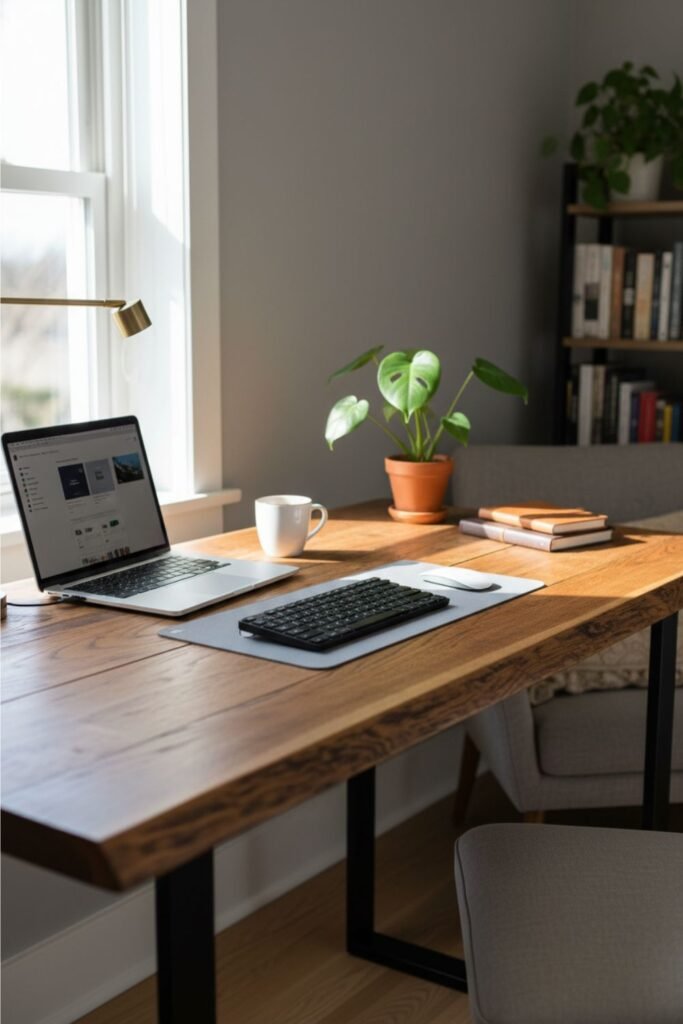
What actually matters when choosing a desk:
Height is the most important factor. When seated, your elbows should rest at roughly 90 degrees with your hands on the keyboard, not reaching up, not sloping down. A desk that’s too high causes shoulder tension. Too low, and you’ll round forward over time. Both patterns compound quietly and become genuinely uncomfortable over long working sessions.
Depth determines whether your screen can sit at a healthy distance. For most monitors and laptops, you want at least 24 inches of depth to position the screen roughly at arm’s length, which significantly reduces eye strain. Desks shallower than this tend to force the monitor too close, which your eyes will notice before your posture does.
Surface area should match how you actually work, not an idealised version of it. If you write by hand regularly, spread out documents, or use a second screen, your desk needs to accommodate real working behaviour. A surface that’s always cluttered because it’s simply too small for the workflow isn’t an organisation problem; it’s a space problem.
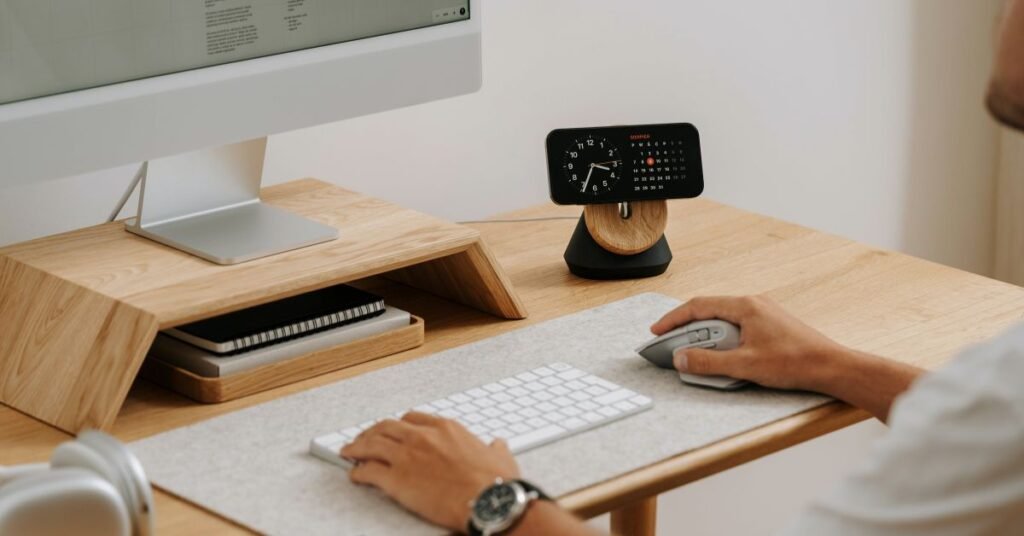
If your space is genuinely small:
A wall-mounted fold-away desk can be an elegant solution. It functions as a full workspace when needed and disappears completely when not in use. Alternatively, a desk designed to fit precisely into an alcove or corner can make surprisingly good use of limited square footage. Even a wide, sturdy board mounted on low drawer units can work beautifully, provided the height is right and the depth is sufficient.
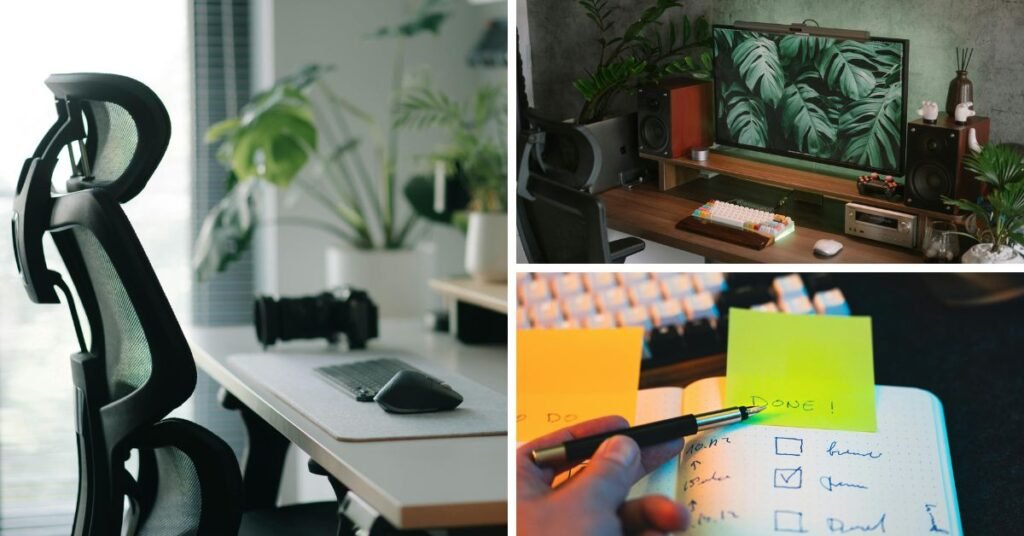
2. A Chair That Supports You (And your deep work)
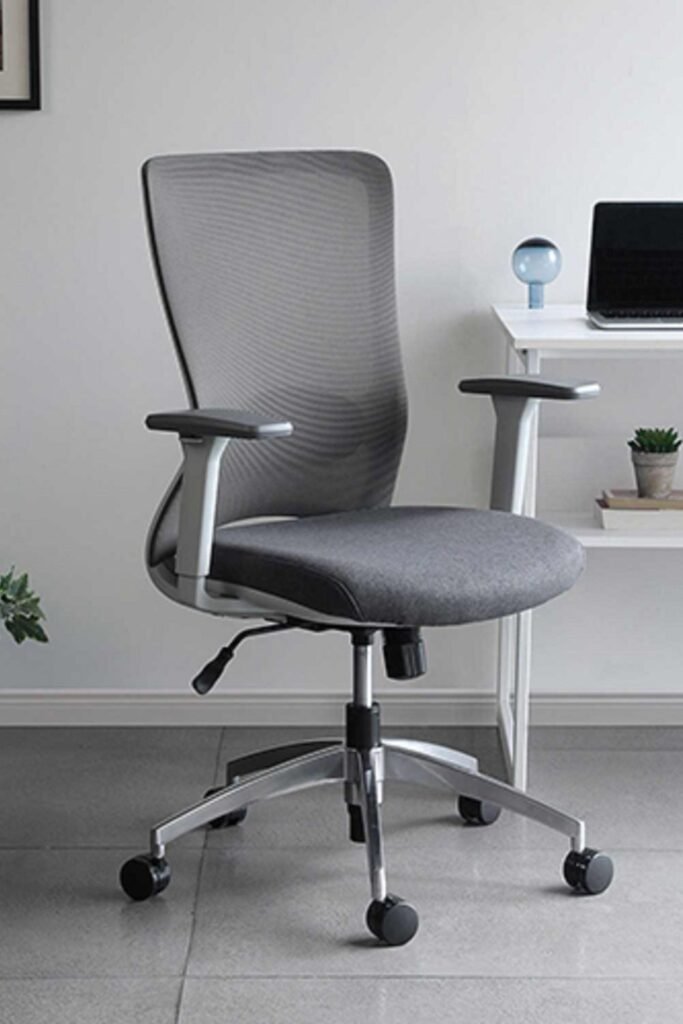
Of everything in a desk setup, the chair is the element most likely to be underestimated and the one whose absence or inadequacy is felt most immediately in the body.
You will spend more time in your desk chair than in almost any other piece of furniture you own during the working week. That’s not an exaggeration. It’s a reason to treat the chair as infrastructure rather than an afterthought.
A good chair is not necessarily the most expensive one. It needs to do a few specific things consistently:
Adjustable height allows you to set your feet flat on the floor with your thighs roughly parallel to the ground. This is the baseline posture from which everything else in your seated position flows. A chair that can’t reach the right height for your body will compromise every hour you spend in it.
Lumbar support that actually meets your lower back, not just a decorative curve in the plastic or foam, but something that physically contacts the small of your back and provides resistance. Without this, you’ll gradually slump forward as the session goes on, usually without noticing until you stand up and feel it.
Seat depth is less talked about but meaningfully important. There should be a few inches of clearance between the back of your knees and the front edge of the seat. Too deep, and you’ll be unable to sit back properly, which defeats the lumbar support. Too shallow, and you’ll perch rather than sit.
Breathable material is worth considering if you work for long stretches or run warm. Mesh backrests, in particular, make a noticeable difference over a full working day.
If you’re on a tight budget:
The secondhand market for office chairs is genuinely excellent. When companies refit their offices or move premises, they frequently sell high-quality ergonomic chairs, the kind that originally cost several hundred pounds, for a fraction of the price. It’s worth checking local office furniture resellers, online marketplaces, or business liquidation sales before buying new.
3. A Monitor at Eye Level
This is perhaps the single fastest, cheapest, and most impactful improvement most people can make to their desk setup and workspace. It’s also the most consistently neglected..
Laptop screens, by design, sit too low. When your laptop rests flat on a desk, you look down to see it. Your neck bends forward. Your head, which weighs considerably more than it feels like it does, places a sustained load on the muscles and vertebrae at the base of your neck.
Over hours, that becomes discomfort.
Over months or years, it becomes the kind of persistent tension that people attribute to stress rather than posture.
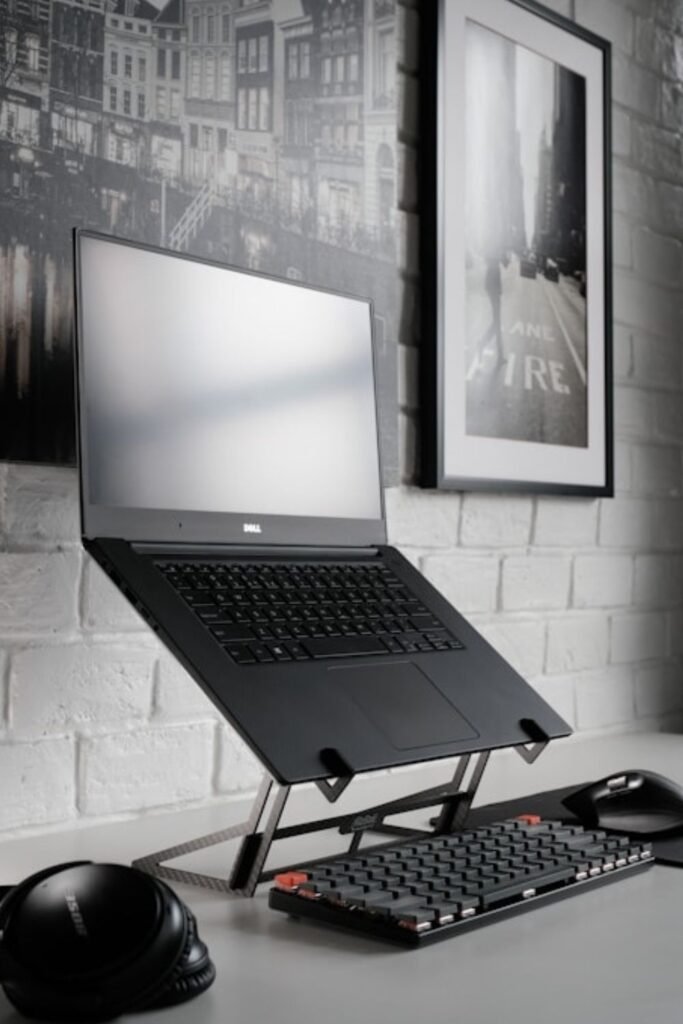
The fix is straightforward: raise your screen so that the top of the display is at or just below eye level.
At this height, your head sits in a neutral position, balanced over your spine rather than projecting forward from it.
How to get there:
If you use an external monitor, a monitor arm or stand brings it to the correct height and frees up significant desk surface in the process.
If you work primarily from a laptop, a laptop stand for your workstation is the solution. It elevates the screen to eye level and turns the laptop itself into something closer to a tower monitor. This does require a separate external keyboard and mouse, since your hands can no longer comfortably reach the built-in keyboard once the screen is raised. That additional cost is real, but the ergonomic return is immediate and significant.
A stack of sturdy books costs nothing and works immediately. It’s not a permanent solution, but it will tell you very quickly how much difference screen height makes, and that knowledge tends to make the investment in a proper stand feel obvious.
4. Lighting That Works With Your Focus, Not Against It
Overhead lighting is designed to make a room visible. It was not designed with sustained focus in mind. The standard ceiling fixture, bright, directional, casting even light across the entire room, keeps your nervous system in a state of mild alertness. It’s the same signal the environment gives you at the supermarket, in an office corridor, or in a waiting room. It’s functional. It’s not conducive to deep, relaxed concentration.
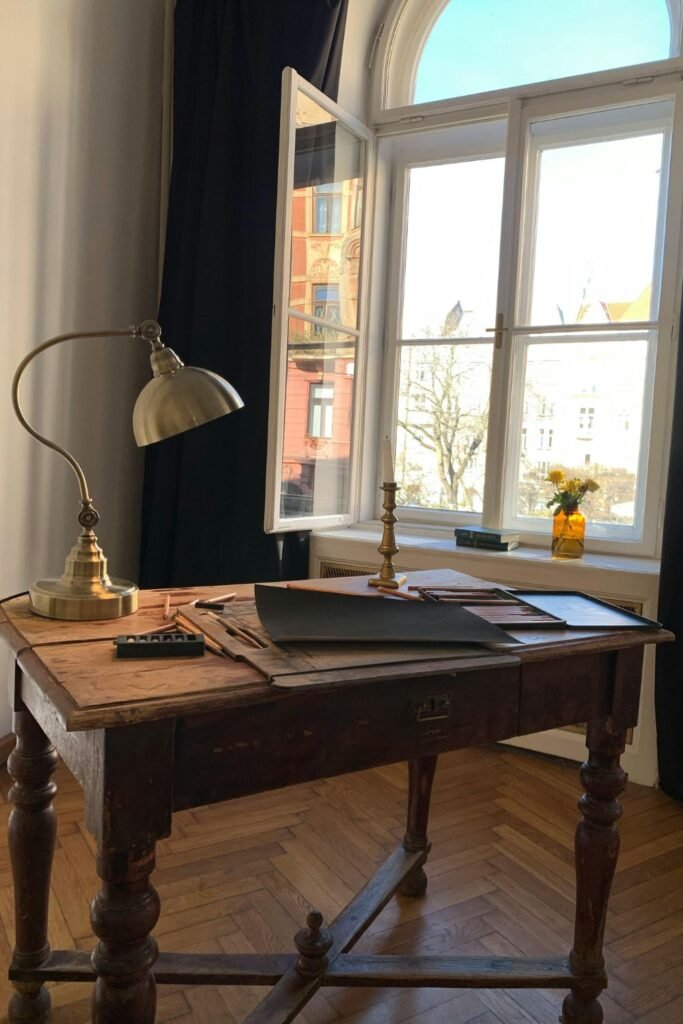
Task lighting changes this in a way that’s easy to underestimate until you experience it.
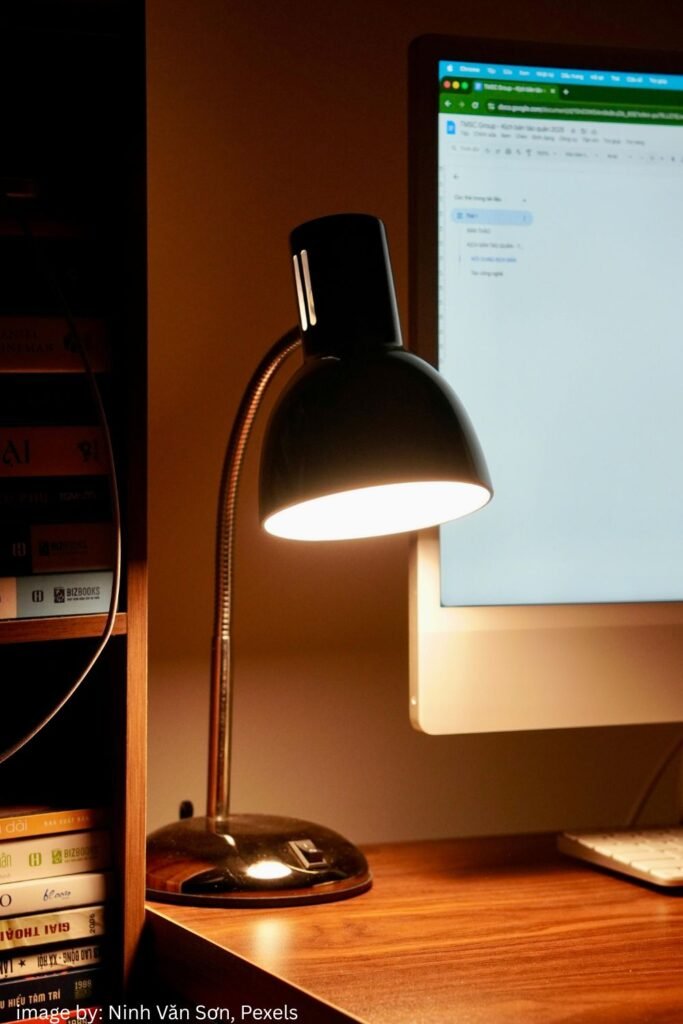
A good desk lamp directs light precisely where you need it on your notebook, your keyboard, and your reading material without washing your screen in glare or flooding the rest of the room. It creates a visual boundary around your workspace, a lit zone of focus that the eye naturally returns to rather than wandering.
What to look for in a desk lamp:
An adjustable arm allows you to position the light source precisely rather than relying on where the lamp happens to be placed. This is more useful than it sounds. The difference between a lamp angled perfectly and one that creates glare on your screen is often just a few degrees.
Colour temperature is worth paying attention to. Bulbs rated around 4000K to 5000K produce a cooler, more neutral light suited to daytime-focused work, it’s alert without being harsh. In the evenings, or if you prefer a warmer atmosphere for your workspace, 2700K to 3000K produces a softer, amber-toned light that feels more settled.
Position matters: light placed slightly behind and to the side of your line of sight illuminates your working surface without creating a reflection on your screen. Direct overhead task lighting, or anything placed directly in front of you, tends to produce glare.
If you work near a window, natural light is excellent in the morning and early afternoon, but it changes throughout the day, and it creates silhouette problems in the afternoon if it comes from behind your screen.
A task lamp provides consistent supplementary light regardless of the time of day or weather.
5. A Keyboard and Mouse That Feel Like Extensions of Your Hands
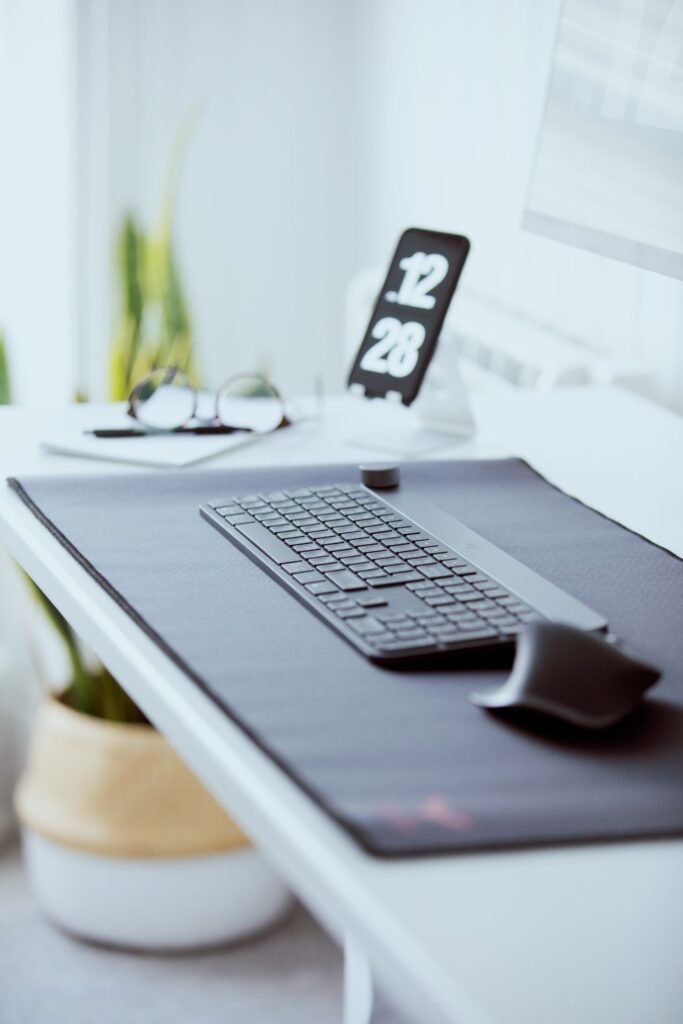
The tools you physically interact with most during a working day deserve more consideration than they usually receive.
Most people use whatever keyboard and mouse combo came with their computer by default, or whatever was cheapest and available.
For occasional use, this should be fine.
However, for hours of sustained and deep focus work, the feel of your input devices has a real, if subtle, effect on how comfortable and fluid the working session feels.
On keyboards:
The built-in keyboard on most laptops is genuinely adequate. The issue is that once your laptop is raised to eye level on a stand, you can no longer comfortably use it, which means an external keyboard becomes necessary rather than optional.
When choosing one, key travel (the distance each key moves when pressed) makes a significant difference to typing feel.
Keyboards with very little key travel, common on thin, flat designs, can feel harsh over long sessions.
A keyboard with slightly more travel feels more considered and tends to be less fatiguing.
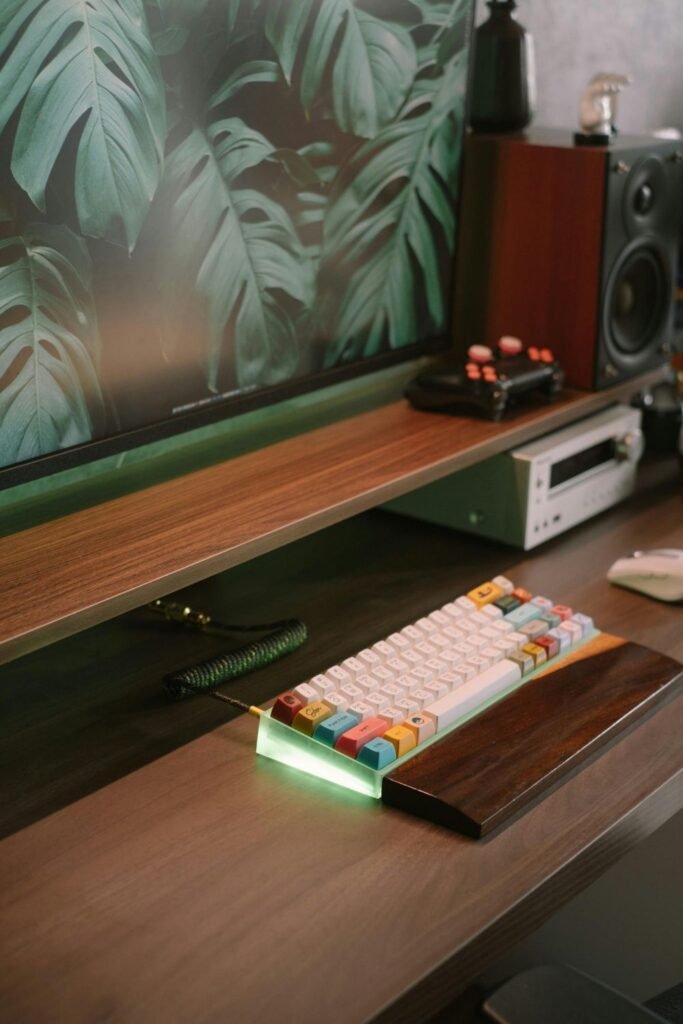
If you type extensively, a mechanical keyboard is worth experiencing at least once. The tactile feedback and slightly more substantial key travel reduce the mental effort of typing in a way that’s subtle but real. Many people who try one find it difficult to go back. That said, a solid, well-reviewed membrane keyboard at a reasonable price is entirely sufficient for most people and most workflows.
A wrist rest gel or foam is a small addition worth considering if you spend long periods typing. It keeps your wrists in a neutral position rather than bent upward toward the keyboard, which is the source of much of the chronic wrist discomfort that desk workers experience.
On mice:
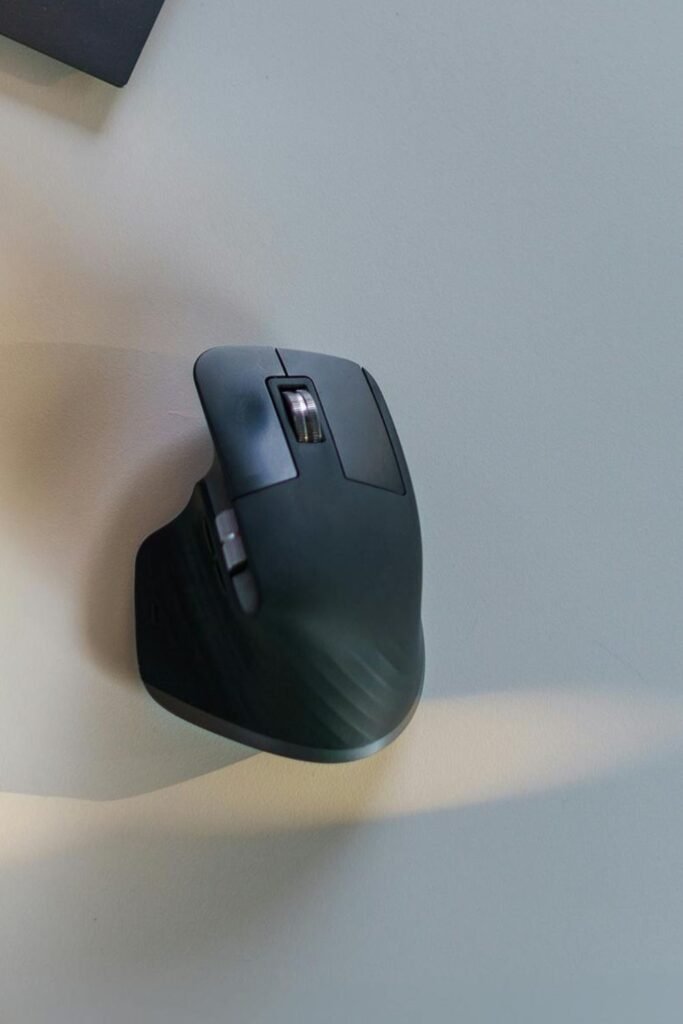
Fit matters more than features. A mouse that’s the wrong size for your hand, too small, requiring you to pinch rather than hold, or too large, causing your palm to hover uncomfortably, will become a slow source of tension in your hand and forearm. Where possible, it’s worth handling a few options before committing.
The wireless versus wired question comes down to personal preference. Wireless reduces cable clutter on the desk surface, which has a real visual benefit. Wired eliminates battery management entirely. Neither is categorically better.
6. Cable Management: The Quiet Hero of a Calm Workspace
This is the element of a desk setup that almost no one talks about until they experience it, and that almost everyone who addresses it describes as a more significant improvement than they expected.
Cables are visual noise. Not dramatically, not in a way that’s easy to point to, but in a way that registers at the edge of your attention constantly. A tangle of cords on or around your desk is one more thing your peripheral vision has to process, one more small demand on the cognitive resources you’re trying to direct toward your work.
The effect is cumulative rather than acute. You don’t sit down and consciously think those cables are distracting me. You just find that your workspace feels slightly less settled, slightly less clean, in a way that’s hard to articulate. Addressing the cables doesn’t transform your productivity. It removes a low-level friction you’d stopped noticing, which is exactly what good workspace design does.
Practical approaches on Desk Setup and Cable Management
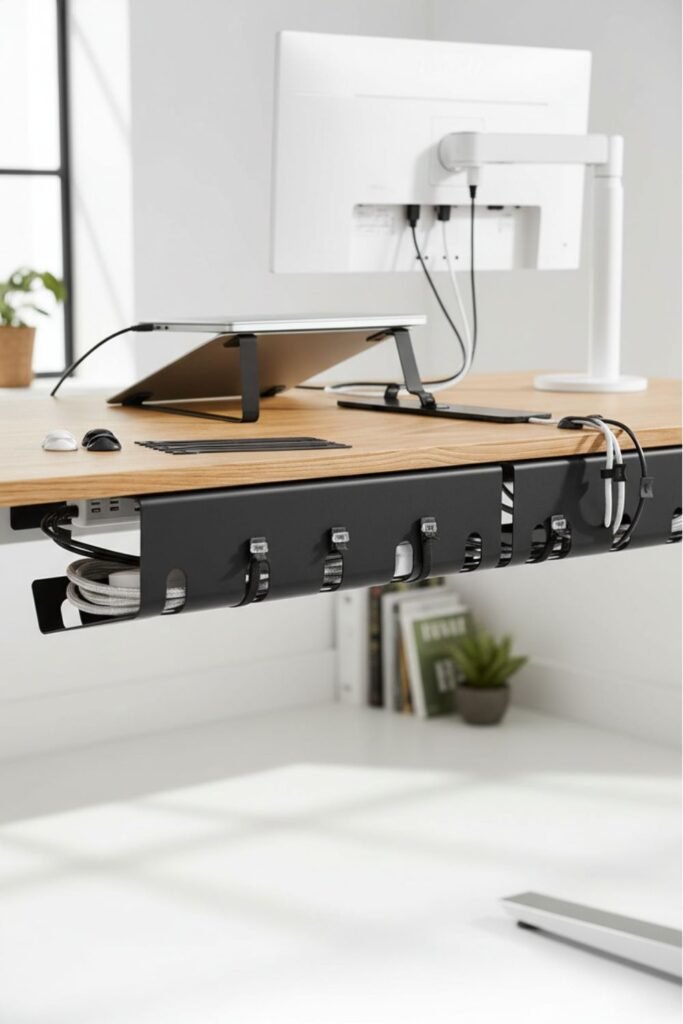
A cable management tray mounted under the desk holds your power strip and excess cable length completely out of sight. It takes about ten minutes to install and immediately transforms the visual experience of the desk from underneath.
Adhesive cable clips routed along the underside of the desk surface keep individual cables organised and out of the working area. Combined with a tray, they make cable management something you never have to think about again.
A cable sleeve or wrap bundles multiple cables together so they read as a single, tidy line rather than a collection of individual cords. Particularly useful for the cables running from the desk to the wall or floor.
The goal isn’t to hide every cable at any cost. It’s to contain them enough that they stop being something your eyes have to navigate around.
7. A Place for Everything (So Nothing Distracts)
Every object on your desk occupies not just physical space, but a small fraction of your visual attention.
The cup from this morning. The pen you picked up and set down without putting it away. The stack of papers that hasn’t been touched in three days, but hasn’t been filed either. Individually, these things register as nothing. Collectively, they create a quiet hum of unresolved visual input that makes a workspace feel busy even when nothing is happening.
A clear desk isn’t about minimalism as an aesthetic. It’s about cognitive load as a practical concern. The less your visual field has to process beyond your actual work, the more of your attention is available for the task in front of you.
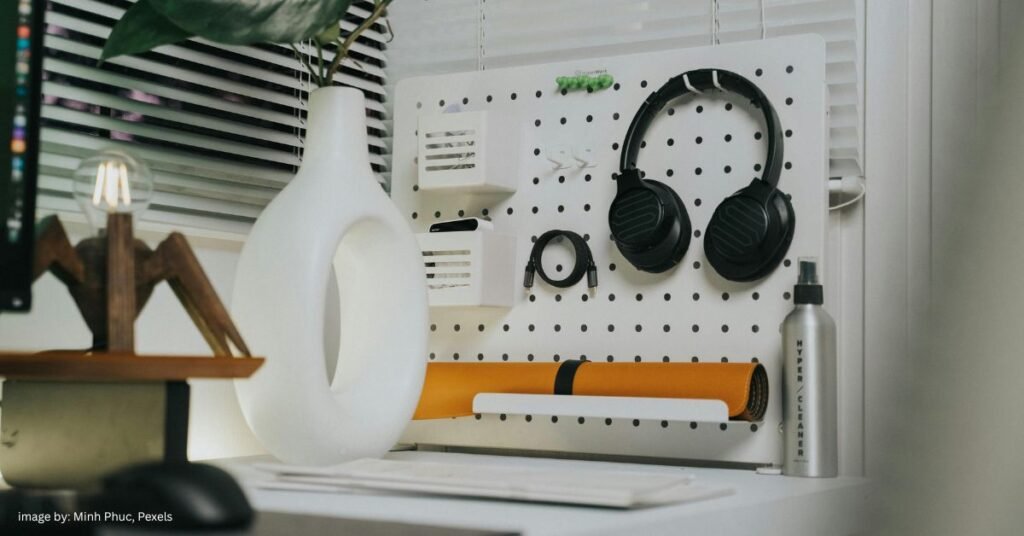
What actually helps:
A small desk organiser just large enough to hold the tools you genuinely use daily gives pens, notebooks, headphones, and similar items a designated home. The specific design matters less than the fact that each item has somewhere to return to. When everything wanders, surfaces accumulate. When things have homes, they get put back.
A drawer or shallow tray for items that need to be near the desk but not on it solves a different problem. Not every tool needs to be visible to be accessible. Moving things one layer below the surface can dramatically reduce the sense of visual busyness without removing anything you actually need.
A simple in-tray or folder stands for physical papers incoming, active, and outgoing. It contains documents that would otherwise drift across the surface, which is where paper clutter tends to originate.
The underlying principle here is the same one behind good home organisation more broadly: the aim isn’t emptiness, it’s intention. Everything on the desk should be there because it serves the work.
8. Personal Anchors: Making the Space Yours
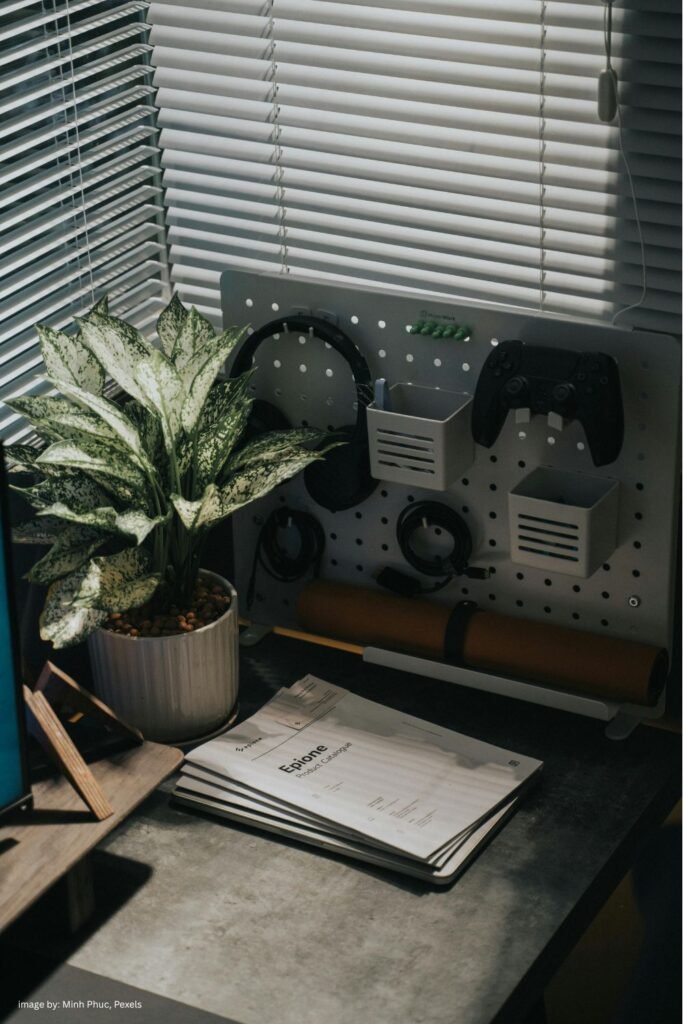
A workspace built entirely around function can feel clinical, the kind of space you use because you have to, rather than one you genuinely want to settle into.
One or two small, personal details change that.
Not motivational posters. Not a shelf of books positioned for the background of video calls. Something quieter and more honest than that.
Small, intentional objects that tell your brain, without words: this space is mine.
What tends to work:
A small plant that doesn’t require constant attention. Something low-maintenance, a succulent, a pothos, a small snake plant that adds a note of life and organic texture to an otherwise hard-edged environment. There’s consistent research suggesting that even a small amount of natural material in a workspace reduces psychological stress and modestly improves sustained attention.
A single print or image you genuinely enjoy looking at. Not something aspirational or motivational, something you find visually pleasing or that holds some personal meaning. The bar is simply: does this feel good to look at?
A mug you like for your coffee or tea. This sounds trivial. It isn’t. Small sensory pleasures associated with a space or activity tend to make that activity easier to begin and more enjoyable to sustain.
A physical notebook for thoughts that don’t belong in digital form. Not a productivity system, just somewhere for ideas, observations, and the kind of thinking that benefits from a pen and paper rather than a screen.
One or two of these is enough. The intention isn’t to decorate, but to personalise. A space that feels like yours is one you’ll return to more willingly, settle into more quickly, and find it easier to treat as a context for focused work.
What You Actually Need: A Summary
If you’re building a focused workspace from scratch, or upgrading gradually, here’s a clear overview of the elements covered in this guide and what each one is actually doing for you:
| Element | What It Does |
|---|---|
| Desk (correct height and depth) | Supports posture; accommodates your actual workflow |
| Chair (adjustable, with lumbar support) | Keeps your body comfortable enough to forget about it |
| Screen at eye level (stand or arm) | Eliminates neck strain; reduces cumulative fatigue |
| External keyboard and mouse | Keeps hands at a comfortable height when screen is raised |
| Adjustable task lamp | Reduces eye strain; creates a visual focus zone |
| Cable management (tray and clips) | Removes visual noise; reduces unconscious cognitive load |
| Desk organiser | Gives daily tools a home; keeps the surface intentional |
| One or two personal objects | Makes the space feel claimed and worth returning to |
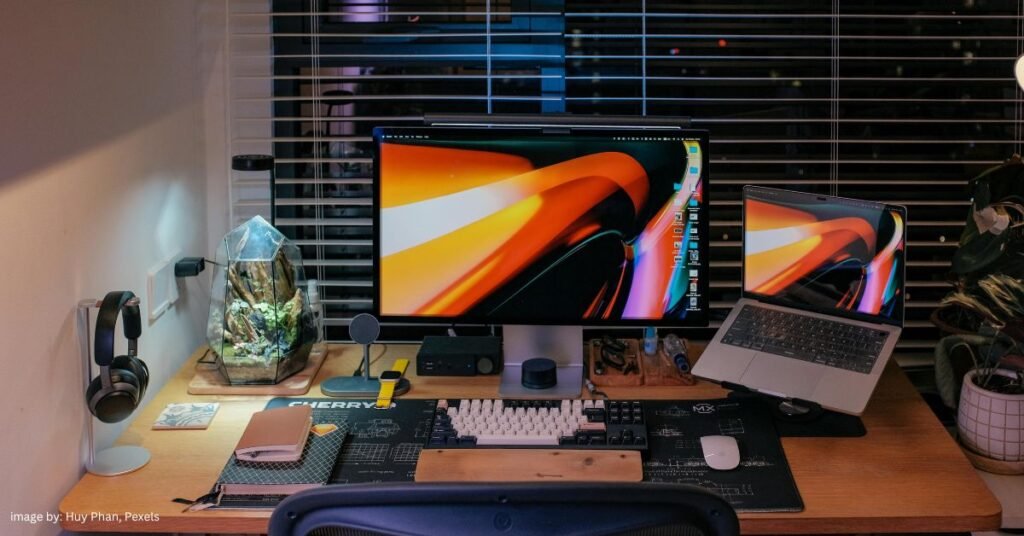
How to prioritize your desk setup for deep work on a budget
If your budget is limited, prioritise in this order:
- Screen height → even a stack of books will work for starters, it costs nothing, and makes an immediate difference to your neck
- Chair → your body will thank you sooner than any other upgrade delivers results
- External keyboard and mouse → necessary once your screen is raised; surprisingly impactful on daily typing comfort
- Lighting → eye strain is subtle and cumulative; a good task lamp is one of the more affordable upgrades with clear daily benefit
- Cable management and organisation → the finishing touches, not the foundation; address these once the ergonomic essentials are in place
Frequently Asked Questions & Tips
What is the most important element of a desk setup for focused work?
If you can only address one thing, make it screen height. Raising your monitor or laptop to eye level is the single change with the broadest physical impact. It eliminates the neck strain that builds quietly over months of looking down at a screen, and it can be achieved with no cost at all, using books or a box while you decide on a more permanent solution. From there, the chair is the next most important investment, since your body’s comfort level directly shapes your ability to sustain focus over long working sessions.
Do I need a dedicated room to have an effective home office setup?
No. A dedicated room is ideal, but it’s far from essential. What matters more than the physical boundaries of a space is the consistency of its use. A desk in a bedroom corner or a fixed spot at a dining table can function as an effective workspace, provided it’s set up ergonomically and treated with some intentionality. The more consistently you use the same spot for focused work, the more your brain will begin to associate that context with a focused mental state, which is most of what a dedicated workspace is actually doing for you.
How do I set up a desk in a very small space?
Focus first on what the space requires functionally: correct desk height, a screen at eye level, and enough surface depth for comfortable monitor distance. A wall-mounted fold-away desk, a compact corner desk, or even a deep shelf mounted at the right height can each serve as an effective foundation. Vertical organisation, such as wall-mounted shelves, pegboards, and monitor arms that lift items off the surface, creates usable space in small footprints. Cable management becomes especially important in small setups, where clutter is more visually dominant.
Is an ergonomic chair worth the investment?
Yes, particularly if you work from home for four or more hours a day. The chair affects your physical comfort during every working session, which means its quality has a compounding effect. A good chair pays for itself in reduced discomfort and better sustained attention over time. If budget is a concern, the secondhand office furniture market is genuinely worth exploring. High-quality ergonomic chairs from established manufacturers are frequently available at a significant discount when companies upgrade their offices.
How do I keep my desk tidy when I'm busy?
The most effective approach is to design for your actual habits rather than an idealised version of them. If papers tend to pile up, an in-tray gives them somewhere to land without becoming cluttered. If small items drift across the surface, an organiser with designated spaces makes it easy to return things without effort.
The five-minute end-of-day reset, returning everything to its home before you close the laptop, is a habit that prevents accumulation from building to the point where tidying feels like a task rather than a reflex. Pairing your desk reset with your broader weekly reset routine makes this even easier to maintain.
The Workspace That Gets Out of Your Way
Here’s what all of this amounts to, when it works as intended.
You sit down, and there’s no negotiation. The chair supports you without reminding you. The screen is at the right height. The light is where it should be. The surface is clear enough that your eye finds your work immediately rather than wandering.
There’s no friction. No small frustrations to resolve before you can begin. Just you, your work, and a space that asks nothing of you.
That’s what a good desk setup actually does. Not a particularly glamorous promise, but one that compounds quietly over every working session in the quality of your attention, in the comfort of your body, in the ease with which you sit down and simply begin.
In a world that constantly competes for your focus, a workspace that returns it to you is, in its quiet way, one of the most useful things you can build.
Thank you for reading our article, and we hope you liked our guide and recommendations for desk setup for deep work!

[…] explored in our slow living home swaps guide and the desk setup post, visual and physical clutter creates a low-level cognitive load that persists for as long as […]